

Home › Blog › Open an Electric Gate Manually
Power Outage Guide
How to Open an Electric Gate Manually When the Power Is Out
Yes, you can open an electric gate manually when the power is out, because almost every automatic gate operator has a manual release. The catch is that each brand hides it in a different place, behind a key, a lever, a switch or a pin. Pick your opener below for the exact release and re-engage steps, taken from the manufacturer manuals.

How to open an electric gate manually, by brand
The brand is printed on the operator cover. Each card shows how to free the gate and how to put it back in automatic afterwards.
Only release a gate that is completely still. Where you can reach it safely, switch the operator power off first, and never pry off a cover or touch wiring.
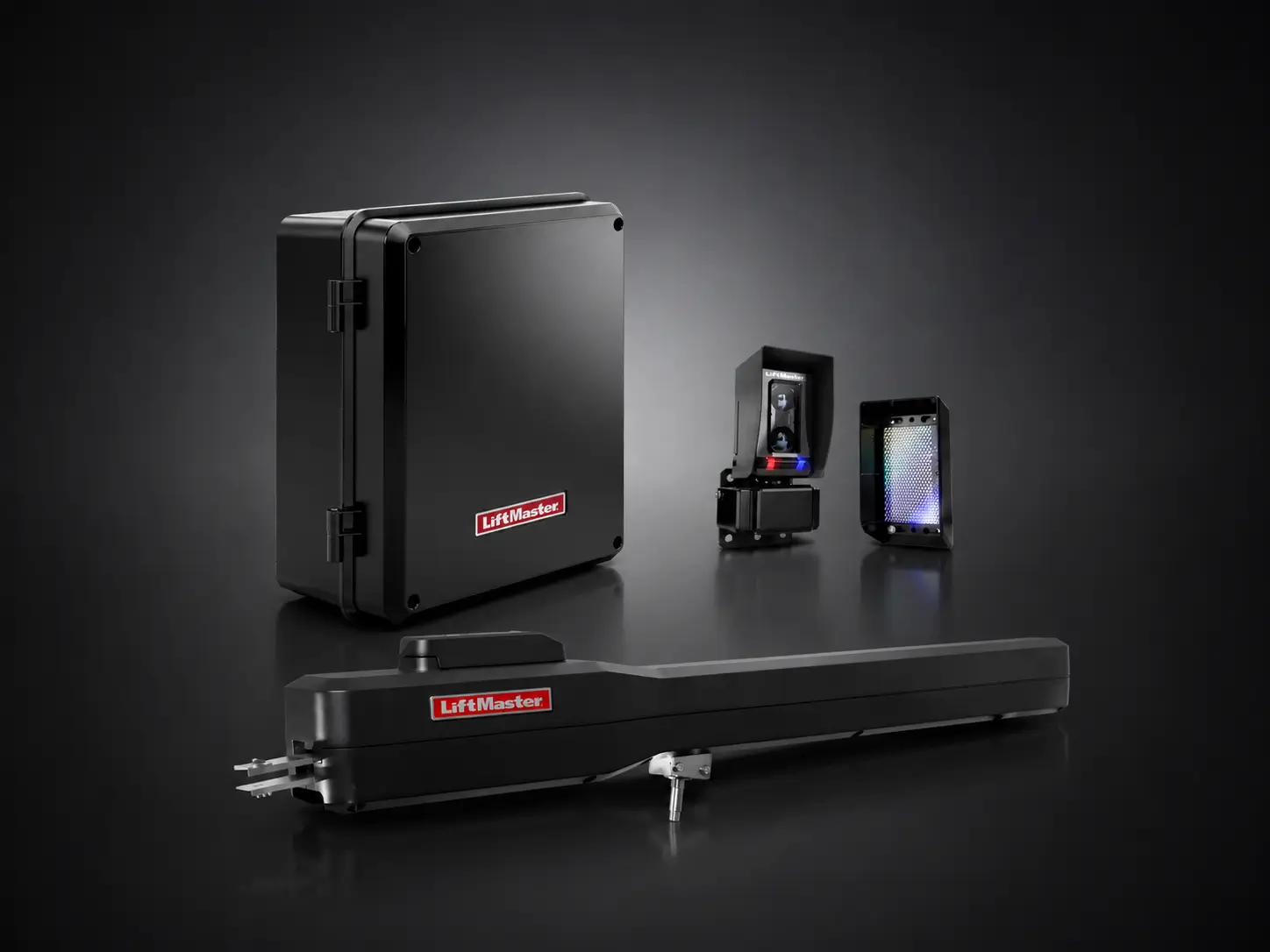
How to open a LiftMaster electric gate manually
LiftMaster uses two different systems. The residential swing arms (LA400, LA500) release with a key and a lever. Meanwhile, the commercial DC operators (CSW24, CSL24) use a reset switch and no key.
LiftMaster LA400 and LA500
Residential swing armRelease key neededFirst, release it
- Confirm the gate is completely still.
- Insert the release key that came with the operator and turn it half a turn (180 degrees) counterclockwise.
- Then turn the release lever half a turn counterclockwise as well.
- Now move the gate by hand. On a two-leaf gate, each leaf has its own operator, so release both.
Then put it back in automatic
- Turn the release lever half a turn clockwise. This engages the motor again.
- Then turn the key half a turn clockwise to lock the lever.
- Finally, remove the key and store it somewhere you will find it during the next outage.
The release can feel stiff or jerky, which the manual calls normal. In addition, after a release or a full loss of power the operator may run slowly until it finishes one complete open and close cycle. Older LA400 manuals show the same steps.
LiftMaster CSW24 and CSW24UL
Commercial swingNo keyFirst, release it
- First, make sure the gate is not moving.
- Next, set the reset switch on the front of the operator to RESET/DISCONNECT.
- Then release the handle on the operator arm and move the gate by hand. On a dual gate, release both operators.
Then put it back in automatic
- Push the arm handle back down until it is tight.
- Then take the reset switch out of RESET/DISCONNECT.

Before any maintenance, the manual says to disconnect and lock out every power source, including solar panels and batteries.
LiftMaster CSL24 and CSL24UL
Commercial slideNo keyFirst, release it
- First, make sure the gate is not moving.
- Next, set the reset switch to RESET/DISCONNECT.
- Now slide the gate by hand.
Then put it back in automatic
- Afterwards, set the reset switch back to NORMAL OPERATION.
For more help, also see our LiftMaster troubleshooting guide.
!Instead, call a technician if
- The key is lost or the lever will not turn
- Even after the release, the gate will not move
- The operator runs slowly or stops after several full cycles
How to open a DoorKing electric gate manually
DoorKing is strict about power. Both manuals say never to push a gate with an operator attached until you have confirmed the power is shut off. So turn off AC power first, every time.
DoorKing 6050 and 6100
SwingPadlock key only if the pin is lockedFirst, release it
- First, switch AC power to the operator OFF.
- Fail-safe method: pull the crank arm away from the gate so the arms no longer form a straight line, then walk to the end of the gate and pull it open.
- Pin method: if your arm has a padlock and locking pin, remove both. The gate then moves by hand while the crank arm stays put.
Then put it back in automatic
- Refit the locking pin and padlock if you removed them, then restore power.
Watch for tamper protection. On boards with it switched on, forcing the gate while AC power is present makes the operator drive the gate closed again. That is one more reason to cut the power before you push.
DoorKing 9150
SlideKey only with the fail-secure kitFirst, release it
- First, switch AC power to the operator OFF.
- On the standard fail-safe setup, the gate is free as soon as power is gone. Push it open from either side, no tools needed.
- If someone installed the optional fail-secure kit, the gate stays locked without power. In that case, turn the release key half a turn to free it.
Then put it back in automatic
- On a fail-secure gate, turn the key back first. Then restore power.
Not sure which setup you have? If the gate will not budge with the power off, it is most likely fail-secure.
For more help, also see our DoorKing access control systems.
!Instead, call a technician if
- You cannot tell whether power to the operator is really off
- A fail-secure gate has no key on site
- The gate fights you or closes on its own while you move it
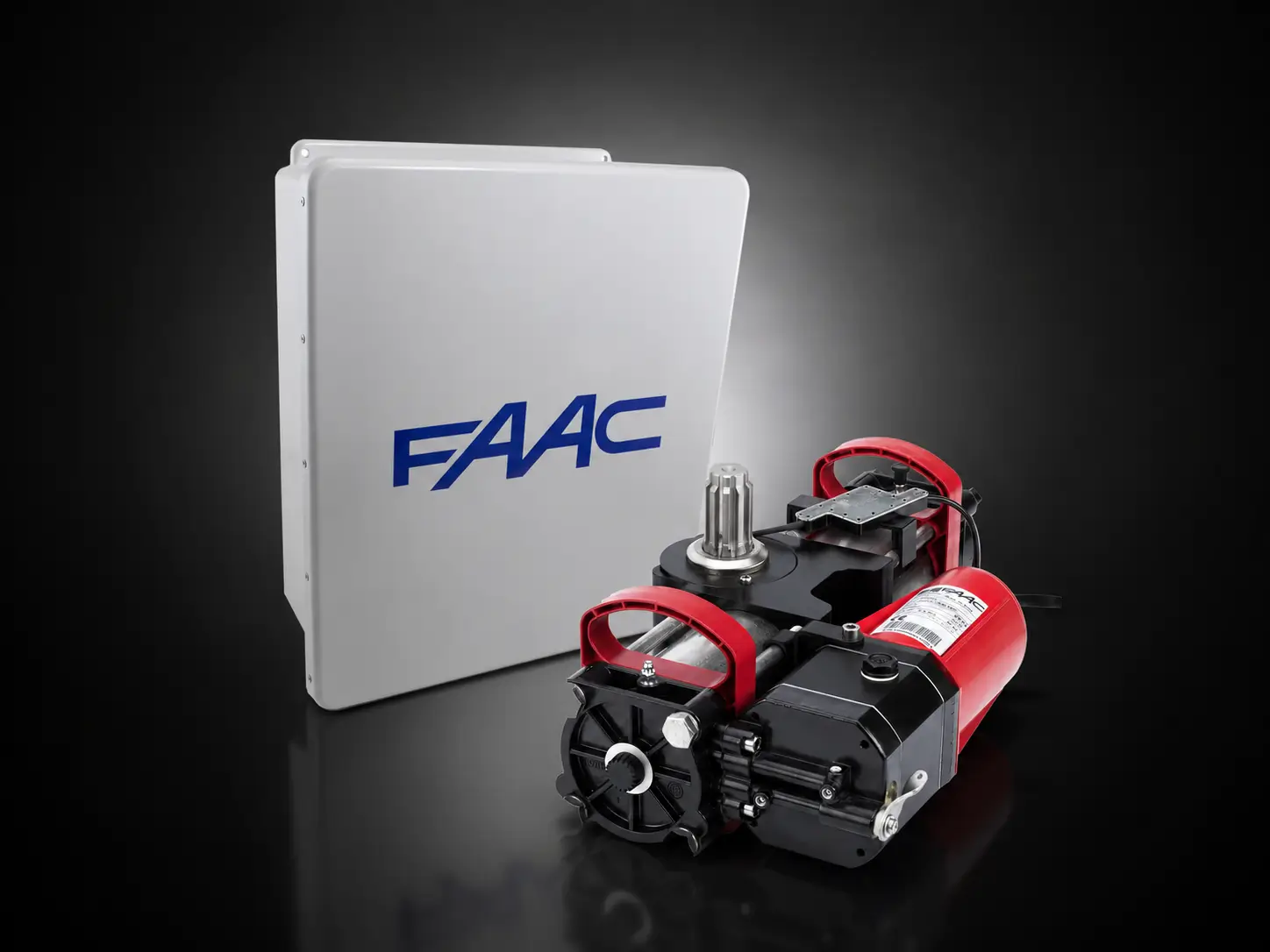
How to open a FAAC electric gate manually
FAAC releases all use a key, but each model works differently. The 400 is a hydraulic arm, the S418 is a 24V arm, and the S800H sits underground below the hinge.
FAAC 400
Hydraulic swing armRelease key neededFirst, release it
- First, lift the protective plug and insert the release key.
- Turn the key 90 degrees clockwise and lift the cover.
- Then turn the release knob about two full turns counterclockwise. The leaf now moves by hand.
Then put it back in automatic
- Cut the power first, so no stray command can start the arm.
- Turn the knob clockwise until it stops, then close the cover.
- Turn the key 90 degrees counterclockwise, remove it and close the plug.

FAAC also asks owners to check now and then that the release still works, before an outage forces the test.
FAAC S418
24V swing armRelease key neededFirst, release it
- First, switch off power to the system.
- Slide off the protective cap, insert the key and turn it counterclockwise to the stop. An open padlock symbol marks the released position.
- Now move the leaf by hand.
Then put it back in automatic
- With power still off, turn the key clockwise to the stop (closed padlock) and remove it.
- Close the cap, then move the leaf by hand until the drive catches and the leaf locks.
- Restore power and run several cycles. The first one may not slow down correctly.
FAAC S800H
Underground hydraulic swingRelease key neededFirst, release it
- Cut the power. FAAC prints this warning in capitals.
- Next, remove the cover from the bearing case at the hinge.
- Turn the release screw one turn counterclockwise. Do not unscrew it all the way, or oil can spill.
Then put it back in automatic
- Turn the screw clockwise to its stop, without overtightening, then refit the cover.

For more help, also see our FAAC troubleshooting guide.
!Instead, call a technician if
- Oil is leaking from an S800H case or a 400 arm
- The release screw or knob is seized
- The leaf does not lock back after re-engaging
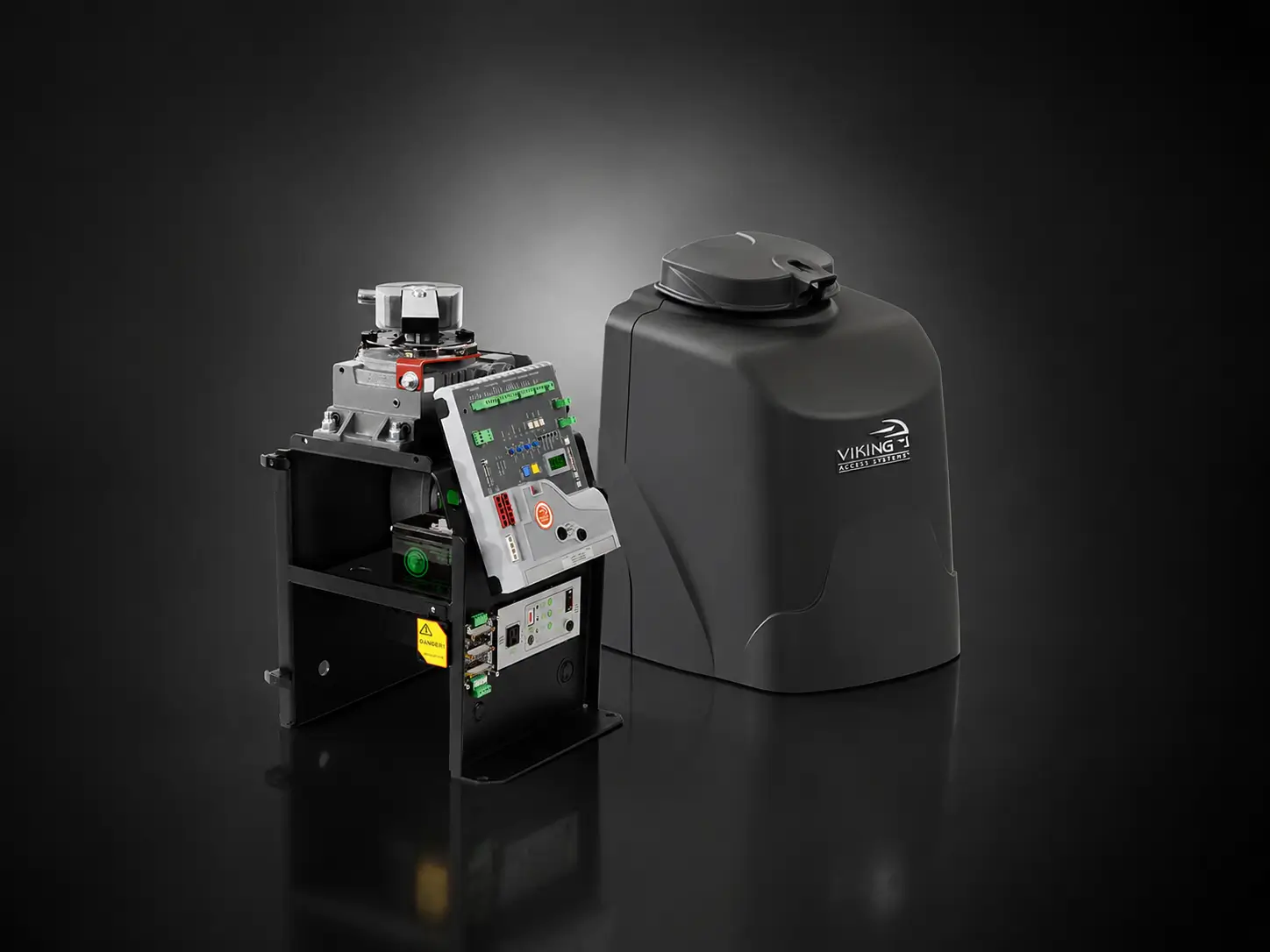
How to open a Viking electric gate manually
Viking puts a release switch or handle on every current operator. Only the G-5 needs a key, and that key opens the cover.
Viking F-1
SwingNo keyFirst, release it
- First, make sure the gate is not moving.
- Then remove the output shaft cover (Viking calls it the hat).
- Lift the manual release handle and remove the clutch key. The gate now moves by hand.
Then put it back in automatic
- First, line up the notches on the output shaft with the clutch.
- Put the clutch key back and push the handle down to lock it.
This is the 2016 manual’s procedure. Newer F-1 revisions may differ slightly, so check the label inside your cover.
Viking G-5
SwingCover keyFirst, release it
- First, unlock and lift off the top cover with the cover key or thumbscrew.
- Set the manual release switch to RELEASE. The gate now moves by hand.
Then put it back in automatic
- Afterwards, set the switch back to ENGAGE and refit the cover.
Viking L-3
SlideNo keyFirst, release it
- First, lift the access door on the front of the cover. The switch is reachable from outside.
- Press the manual release switch to RELEASE, then slide the gate.
Then put it back in automatic
- Later, press the switch back to ENGAGE.
For more help, also see our Viking troubleshooting guide.
!Instead, call a technician if
- The clutch key is missing or will not line up
- The display shows an error after power returns
How to open a Mighty Mule electric gate manually
Mighty Mule has no internal clutch. Instead, you unpin the opener arm from the gate itself.
Mighty Mule MM371W, MM372W, MM571W, MM572W
Swing armNo key, unless a Pin Lock is fittedFirst, release it
- First, turn the power switch on the control box OFF.
- Pull the hairpin clip, then the clevis pin at the front mount.
- Lift the opener’s front mount off the gate bracket. The gate now swings freely.
Then put it back in automatic
- Set the front mount back on the bracket, refit the clevis pin and hairpin clip, then switch power back on.

Mighty Mule warns that the gate will move freely and uncontrolled once the opener is detached, so keep a hand on it. Also, if someone swapped the clevis pin for a Pin Lock, you need that lock’s key.
For more help, also see our Mighty Mule troubleshooting guide.
!Instead, call a technician if
- The pin is seized or bent
- The arm does not line up with the bracket after an outage
How to open any electric gate manually when you are not sure of the brand
Start by finding the brand. It is usually printed on the operator cover, and the model number sits on a label on the operator.
Any brand
General approachCheck before you force anythingFirst, release it
- First, make sure the gate is not moving.
- If you can safely reach a labeled breaker or power switch for the gate, turn it off.
- Look on the operator for a key slot, a lever, a release switch or a pin at the gate bracket. One of those is the release.
- Then move the gate gently. If it does not give, stop, because you may be fighting a lock or a fail-secure setup.
Then put it back in automatic
- Reverse what you did, then restore power and stand clear for the first full cycle.
Never pry a cover off or cut a wire to get a gate open. A technician can release almost any operator without damage.
For more help, also see our gate won’t open or close guide.
!Instead, call a technician if
- You cannot find a release on the operator
- The gate is heavy, on a slope, or will not move by hand
- It is a commercial or HOA gate that other people depend on
Show every model in one table
| Brand and model | How it releases | Key needed |
|---|---|---|
| LiftMaster LA400, LA500 | Key half a turn, then lever half a turn, both counterclockwise | Yes |
| LiftMaster CSW24 | Reset switch to RESET/DISCONNECT, then release the arm handle | No |
| LiftMaster CSL24 | Reset switch to RESET/DISCONNECT | No |
| DoorKing 6050, 6100 | Power off, then pull the crank arm out of line, or remove the padlock and pin | Only for a locked pin |
| DoorKing 9150 | Power off and push (fail-safe), or key half a turn (fail-secure kit) | Only with the kit |
| FAAC 400 | Key opens the cover, release knob about two turns counterclockwise | Yes |
| FAAC S418 | Power off, key counterclockwise to the open padlock | Yes |
| FAAC S800H | Power off, release screw one turn counterclockwise | Yes |
| Viking F-1 | Remove the hat, lift the release handle, remove the clutch key | No |
| Viking G-5 | Remove the cover, switch to RELEASE | Cover key |
| Viking L-3 | Open the access door, switch to RELEASE | No |
| Mighty Mule MM371W, MM571W | Power off, pull the hairpin clip and clevis pin, lift the arm off | No, unless a Pin Lock is fitted |
Summarized from the manufacturer manuals listed at the bottom of this page. Your exact revision may differ.
Four rules before you open an electric gate manually
A released gate is a heavy, unlocked object. So before you open an electric gate manually, these come first, whatever brand you have.
The gate must be still
Every manual we checked says the same thing: use the emergency release only when the gate is not moving. So if power returns mid-cycle, wait for the gate to stop.
Cut the power first
DoorKing, FAAC and Mighty Mule all tell you to switch power off before you release. LiftMaster’s own steps do not require it, yet it is still good practice, because a returning grid can start an operator you are standing next to.
Also hold it on a slope or in wind
This one is our field advice, not a manual line. A released leaf swings freely, so on a sloped driveway or a windy day it can slam or drift into a car. Keep a hand on it, and prop or tie it open while you drive through.
There is no red cord
A pull-cord release belongs to garage door openers. Gate operators release with a key, lever, switch or pin, as shown above, so do not go looking for a cord.
After you open the electric gate manually
Once you open the electric gate manually, the job is only half done. Then the operator has to go back into automatic, and the gate has to lock again.
Re-engage before the next cycle
An operator left in manual mode cannot move the gate, and the gate stays unlocked. Therefore put it back in automatic as soon as power is stable, using the steps for your model above.
Expect a slow first cycle
Some operators need one full cycle to relearn. The LiftMaster LA500 may run slowly until it completes an open and close, and the FAAC S418 may not slow down correctly on its first cycle.
Then stand clear and watch one full cycle
Run the gate open and closed once while everyone stays out of its path. If it stops, reverses or makes a new noise, leave it in manual and call a technician.
Finally, put the key back where you can find it

LiftMaster and FAAC release keys come with the operator. Most people only remember them during an outage, so store them with your flashlight, not in a junk drawer.
Tired of hand-opening the gate every outage? A battery backup or a solar gate opener keeps the gate running when the grid goes down. Ask us which upgrade fits your gate opener.
Call (650) 560-4646FAQ
Can you open an electric gate manually without power?
Yes. Nearly every automatic gate operator has a manual release that lets you move the gate by hand. Depending on the brand, it is a key and lever, a reset switch, a release switch, a screw, or a pin that unhooks the arm. Before you open the electric gate manually, make sure it is not moving and, where you can, switch the power off first.
Do I need a key to open my electric gate manually?
It depends on the model. LiftMaster LA400 and LA500 and every FAAC model we cover need the release key that came with the operator. The LiftMaster CSW24 and CSL24, the Viking F-1 and L-3, and most Mighty Mule openers need no key. The Viking G-5 needs its cover key, and a DoorKing 9150 only needs a key if the fail-secure kit was installed.
What if I lost the manual release key?
Do not force the operator or pry off the cover, because that can break the drive or the lock. Call a technician instead. We can release the operator, check that it re-engages properly, and help you get a matching key for your model.
Will the gate close by itself when the power comes back?
Usually not, because a released operator cannot drive the gate until you re-engage it. One exception is worth knowing: on DoorKing 6050 and 6100 boards with tamper protection on, forcing the gate while AC power is present makes the operator drive it closed. So cut the power before you push, and re-engage once power is stable.
Why is my gate slow after the power outage?
Some operators relearn their travel after a release or a full power loss. LiftMaster notes that the LA500 may run slowly until it completes one full open and close cycle. If the gate is still slow after several cycles, or it stops and reverses, have it checked.
Is it safe to leave the gate in manual mode?
Only for a short time. In manual mode the gate is unlocked and swings or slides freely, so wind or a slope can move it into a car or a person. Prop or secure it while it is released, and put the operator back in automatic as soon as power returns.
Gate stuck and the release will not budge?
If you cannot open the electric gate manually because the key is gone, the lever is seized, or the gate is too heavy to move safely, stop and call. Forcing an operator often breaks the drive or the release itself, which turns an outage into a repair.
Our technicians release the operator, check that it locks back into automatic, and test the safety devices before we leave. If something failed during the outage, you get a clear written estimate before any parts are replaced. Licensed CA Contractor #1060180.
Gate opens with power but still misbehaves? Then see our gate won’t open or close guide or our gate repair service.
Sources
- LiftMaster LA500 installation manual 01-37069B (Manual Release) and LA400 owner’s manual 01-19244D (older edition)
- LiftMaster CSW24U manual 01-37837D, CSL24U manual 01-37835D, CSL24UL manual 01-39381B
- DoorKing 9150 manual 9150-065-C-9-24, section 6.3 Manual Gate Operation
- DoorKing 6050/6100 manual 6050-065-D-2-16, section 5.3 Manual Gate Operation
- FAAC 400 UL 325 manual Rev 01 (2010), FAAC S418 Rev 01 (2012), FAAC S800H Rev 02 (2012)
- Viking F-1 instructions (2016), Viking G-5NX manual, Viking L-3 instructions Rev K2 (2023)
- Mighty Mule MM371W/MM372W manual 10022114 Rev-K, MM571W/MM572W manual 10022116 (Mighty Mule manuals)
